An AI that walks your system and leaves a trail of tests.
Cairn logs into your app with a saved session, looks at the pages you point it to, checks every locator against the live page — then writes the test cases, and the Playwright code for the ones a machine should run.
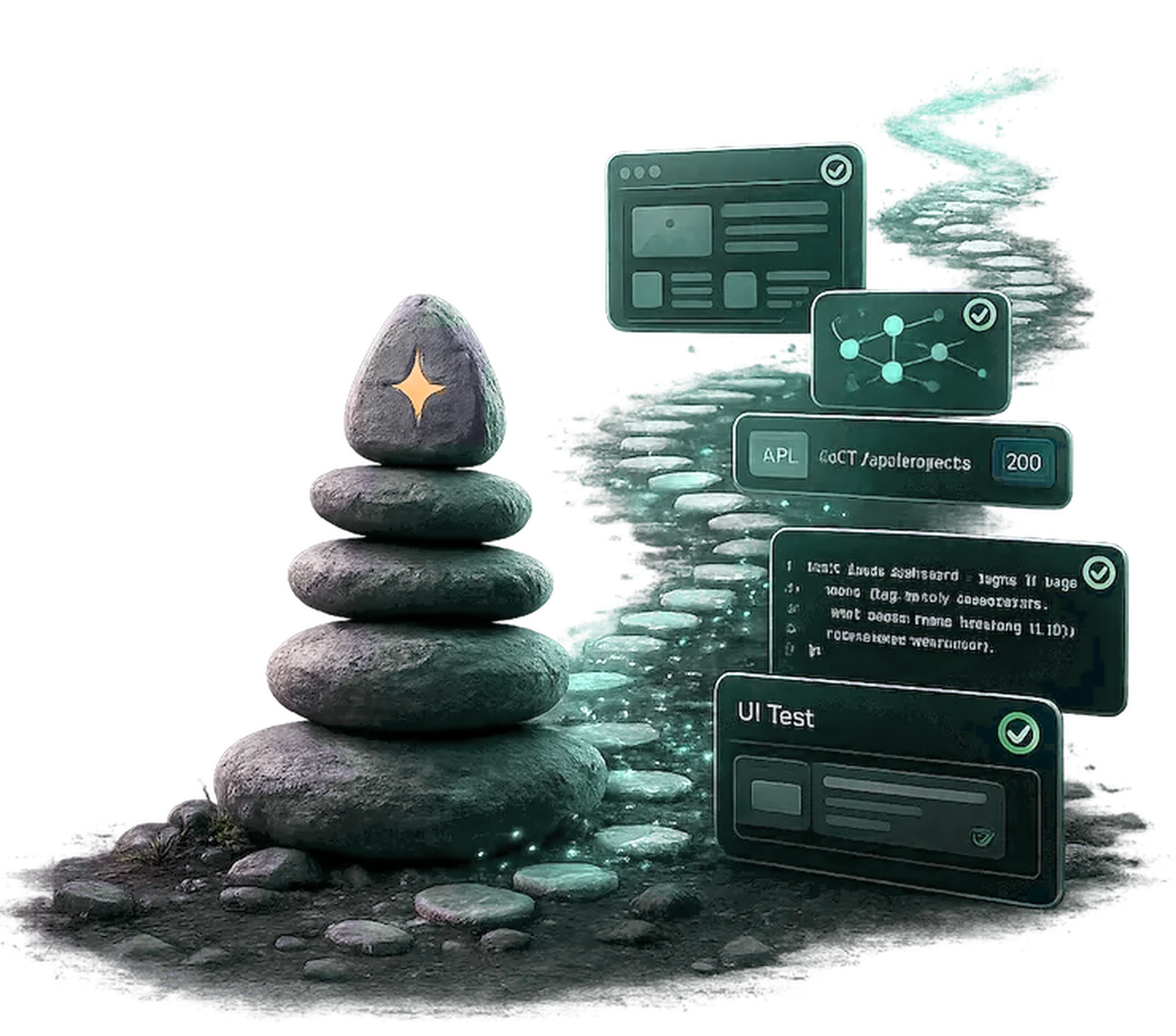
Follow the trail.
Every star is a step a Cairn run really takes — with the line it prints.
- 01 · SESSION
Log in once.
A saved Playwright session is all Cairn needs to see your app the way a signed-in user does.
$ cairn session capture --url https://acme.dev/login --name acme
✓ Session "acme" saved → …
- 02 · OBSERVE
It looks before it touches.
It opens the page and takes an ARIA snapshot and a screenshot — the page as a screen reader and a person see it.
ARIA snapshot · acme.dev/checkoutheading"Checkout"textbox"Coupon"button"Apply"button"Pay $42.00"$ cairn explore --url https://acme.dev/checkout --session acme ▸ Exploring https://acme.dev/checkout (session: acme)… ▸ observe — done: 38 elements, screenshot taken
- 03 · GROUND
Every locator, checked.
Before a test is written, each locator is tried against the live page. Cairn tests what is there — not what a model imagines.
▸ identifyElements — 24 key elements ▸ verifyLocators — checking 38 locators… ▸ verifyLocators — usable 34/38 - 04 · PROBE
It presses the safe buttons.
It acts on safe controls and watches what the page becomes — menus, dialogs, the coupon error.
▸ probeInteractions — act→observe of safe elements… ▸ probeInteractions — transitions observed: 6 - 05 · DESIGN
Cases a reviewer would write.
Methodical cases per ISO/IEC/IEEE 29119-4. Real payments, security probes and visual calls become manual cases — those stay with you.
equivalence partitionsboundary valuesdecision tablesstate transitionserror guessing 5 MTC → you▸ designTestCases — generated 17 cases ▸ explore — wrote 17 cases: 12 ATC, 5 MTC → testcases/
- 06 · AUTOMATE
Playwright you would keep.
Automatable cases become @playwright/test with page objects and getByRole locators.
  ▸ generateCode — 12 spec files written
tests/checkout.spec.ts
test('coupon at limit', async ({ page }) => {
  const co = new CheckoutPage(page);
  await co.coupon.fill('A'.repeat(100));
  await co.apply.click();
- 07 · VALIDATE & REPAIR
Red gets repaired — or dropped.
Cairn runs what it wrote. A failing test gets another attempt; a repair that does not help is not kept.
  ▸ validate — running the generated tests (playwright)…
  ▸ validate — 92% green out of 12 tests
  ▸ repair — attempt 1
  ▸ validate — 100% green out of 12 tests
- 08 · JUDGE, THEN PLUNE
A verdict, then a person.
Scorers and an LLM judge grade the run; the Pilot gives one verdict. In Plune, the cases arrive as proposals — a person accepts what joins the suite.
Plune · review queue · 17 proposedCoupon at the 100-character limitAcceptEmpty coupon is rejectedAcceptReal card paymentmanual▸ pilot — verdict: pass — all 12 tests green; cases cover checkout $ plune ingest Ingested Cairn run → c3a91e07 17 case(s) proposed — review them in Plune to accept
A suite you can read and keep.
Cases as Markdown, code as plain @playwright/test, every run under runs/<id> — nothing locked inside a tool.
Start careful. Go autonomous.
design
Explores and writes ATC and MTC cases as Markdown — no code. The careful first pass.
$ cairn design --url … --session myapp automate
Turns the ATC cases of a run into @playwright/test and validates them in a browser.
$ cairn automate --run runs/<id> --validate --session myapp explore
Everything in one run: cases, code, validation, repair and the Pilot’s verdict.
$ cairn explore --url … --session myapp api
Reads an OpenAPI 3.x spec and writes happy-path cases; --negative, --scenarios and --adversarial add more. With a base URL it runs them: GET, HEAD and OPTIONS only, unless --allow-mutations.
$ cairn api --spec openapi.yaml --base-url … --negative --scenarios --adversarial Point it at one page.
It needs a saved session, an LLM key and a browser. Read the cases first; automation comes after your review.
Copy one command at a time and fill in the highlighted parts — session capture
waits for Enter once you have logged in.