THE PLUNE PLATFORM

Watch your AI pass its first test.

Scroll through a real Plune workflow: connect a project, evaluate a model’s answer, catch a regression and stop it at the pull request — before your users see it.

scroll to run ↓
01 · CONNECT

One project. One token.

Create a project, mint a token for it, and log the CLI in. Every run you sync lands here.

02 · CASES

Describe what “good” means — or let Cairn draft it.

Model evals live in one plune.yaml. Cairn, our QA agent, explores your app and proposes UI tests. Nothing joins the suite until a human accepts it.

03 · EVALUATE

Your model answered. Is it right?

Plune checks every answer like a unit test: does it say the fact, is it grounded in your docs, does it answer the question, would a strict reviewer pass it — and what did it cost.

04 · RUN

Run the whole suite. Watch it go green.

plune run evaluates every case against your model — locally, or on every pull request. plune sync keeps the history on the platform.

05 · CATCH

Swapped the model? Plune noticed.

A new model started promising 60-day refunds. The answer still sounds fine — faithfulness to your policy fell from 0.97 to 0.41. Fix the prompt, re-run, green again.

06 · GATE

Every pull request takes the same exam.

The GitHub Action runs your suite on each PR, diffs it against main and keeps one comment up to date. Make the check required, and a regression blocks the merge — not your customers.

07 · INSIGHTS

Every synced run adds a bar.

A project’s Trends tab charts pass rate and cost run by run, so the run after the model switch stands out at a glance. Analytics sums up every project on one page.

08 · TEAM

Bring the whole team in.

One company can hold every project. Owners and managers invite, members do the work, read-only reviewers look — each sees what their role allows.
5 OF 8 STEPS · ALL GREEN

That was your first Plune run.

A few minutes from the first token to a caught regression. Now make it stick — on every pull request, across every week, with the whole team.

Join the waitlist →or keep scrolling ↓
CAIRN · OPEN SOURCE

Let an agent draft the tests. You decide what stays.

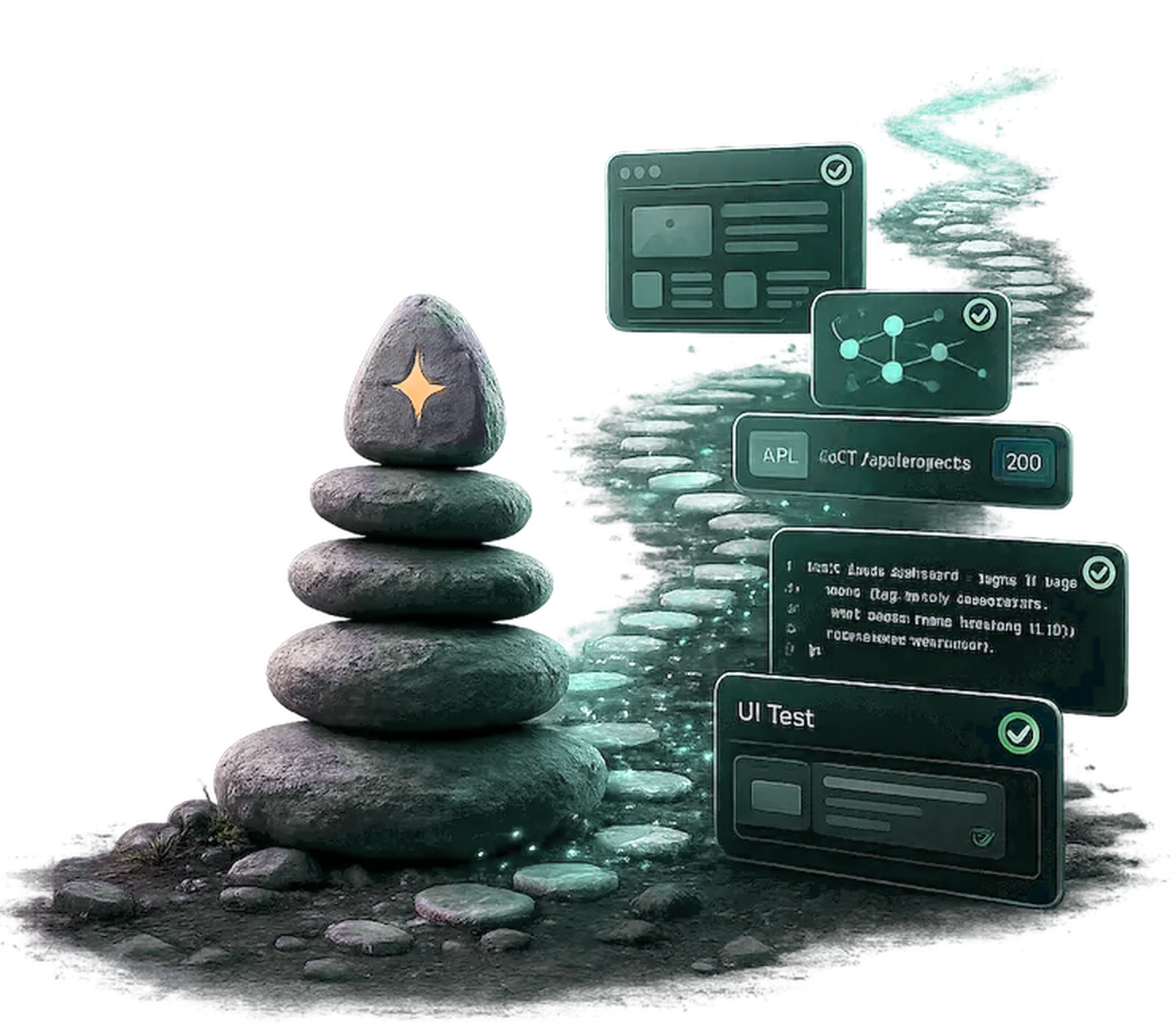
Cairn, our open-source QA agent, walks your app from a saved session, designs test cases by method and writes self-repairing @playwright/test specs. Sent to Plune, they wait in the review queue until a person accepts them.

$ npm install -g @plune-ai/cairn
Explore Cairn →
A cairn of stones beside a glowing path of stepping stones, with the screens of a test run along it
FROM THE BLOG

What’s new at Plune

All posts
INVITE-ONLY BETA

Your customers shouldn’t be your test suite.

Bring your own model and your own cases. Plune keeps every run you sync, every regression and the whole team in one place — so the next model switch is a pull request, not an incident.

Join the waitlist

The CLI and eval-action are yours today. The hosted platform opens a few people at a time: leave your email and we will write when your seat is ready.

Nothing else goes to this address, and you can leave the list at any time: write to [email protected]. How we keep it

Already invited? Sign in →

$ npm i -g @plune-ai/cliuses: plune-ai/eval-action@v1docs.plune.ai